Simplify governance and supervision of your environment

Where PowerBI ends, begins.

Only 90 days of history, tedious metrics to pull up, duplicate reports, messy workspaces… Power BI is powerful, but it doesn’t give you a clear view of your ecosystem.

To address these limitations, we’ve built Meta BI. A tool for centralizing the metrics of your reports and other artifacts, optimizing their use and securing your data.

What does
Power BI limitations
History
Check Complete and actionable historical tracking
Alert Limited to 30โ€“90 days
Inventory
Check Centralized catalog with advanced filters and indexing
Alert Basic, workspace-level only
Lineage
Check Full traceability across the entire ecosystem
Alert Artifact traceability within a single workspace
Access
Check 360ยฐ view of permissions across the ecosystem
Alert Access limited to workspace users
Usage
Check Consolidated usage analysis across the ecosystem
Alert Usage statistics limited to a single workspace
Refresh
Check Configurable daily refresh schedules
Alert Data updated with up to 24h delay
Power BI limitations
Alert
History
Limited to 30โ€“90 days
Alert
Inventory
Basic, workspace-level only
Alert
Lineage
Artifact traceability within a single workspace
Alert
Access
Access restricted to workspace users
Alert
Usage
Usage statistics limited to a single workspace
Alert
Refresh
Data updated with up to a 24-hour delay

Master your Power BI ecosystem at last

Get an overview

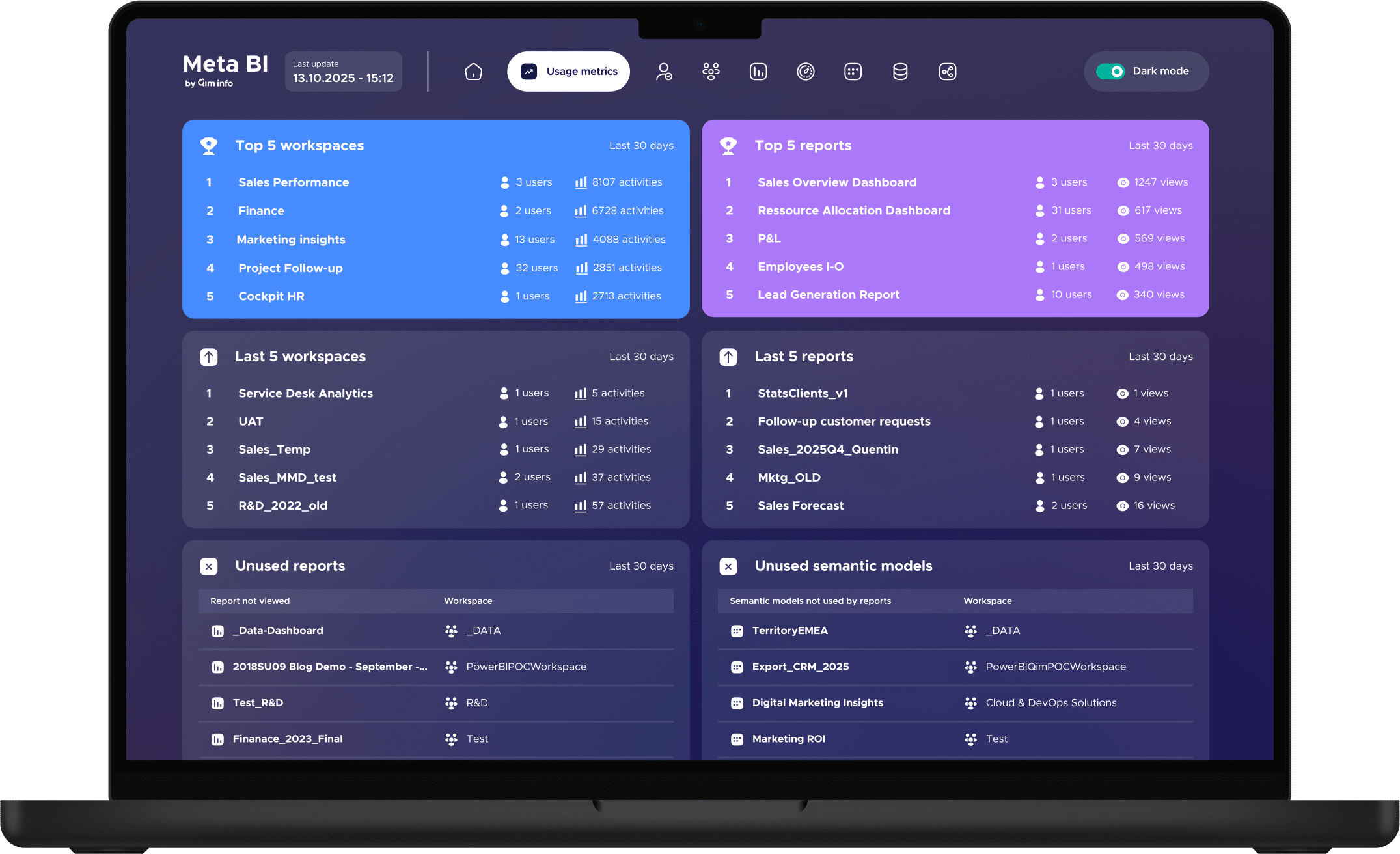
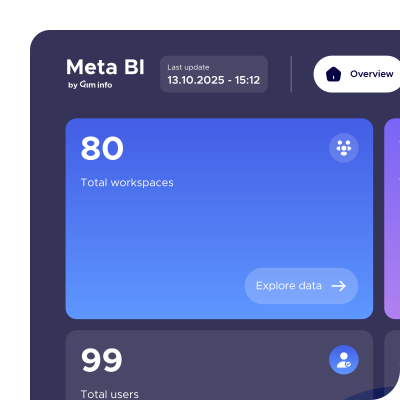
Monitor your Power BI environment from a single, easy-to-read interface, centralizing all your metrics.

Save time
every day

Proactively identify anomalies and instantly access metadata to optimize your resources.

Strengthen your
governance

Track usage and access to secure your data, improve quality and reduce costs.

Before
our users were sharing :

"I need to check a colleague's permissions but I don't know how to see what he really has access to in our Power BI environment."

Florent

"I'm lost in our Power BI organization: I'm asked to do an inventory, but impossible to get a clear overview of all our reports and workspaces."

Marie

"Each team creates its own dashboards and we end up with contradictory figures, I can no longer control data sources and duplicates."

Thomas

Before our users shared with us

"I needed to identify who had access to a critical report, but Power BI didn't give me a clear view. With Meta BI, I immediately obtained a complete list of users and was able to secure access."

Marc
Data Scientist

"When we migrated to a new ERP, we didn't know the extent of the reports impacted. Thanks to Meta BI and its comprehensive lineage, we were able to immediately identify all dependencies and anticipate changes."

Sophie
Data Manager

"Meta BI has enabled me to reduce the number of assets by 40% by removing duplicate or obsolete elements. The result: a leaner environment, better quality data, easier to maintain and increased adoption by my teams."

Julien
Business Intelligence Manager

Everything you master with

Unified dashboard

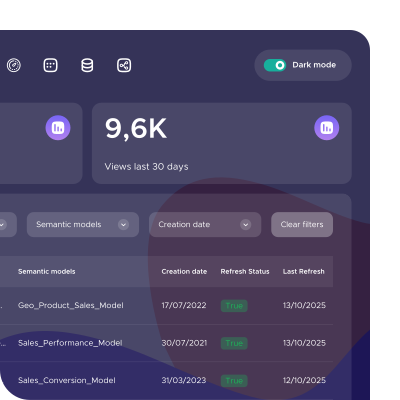
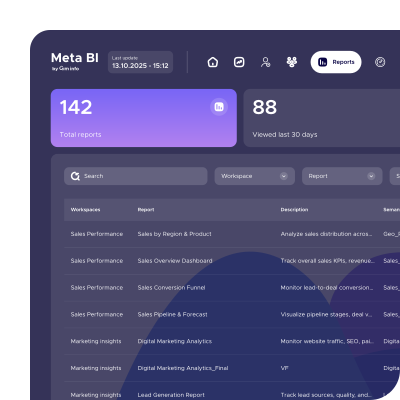
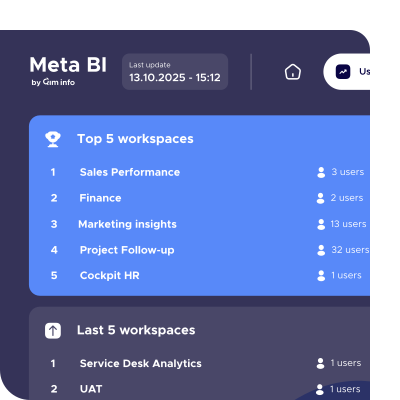
Visualize your Power BI artifacts (reports, semantic models, data flows, etc.) to detect anomalies and optimize your environment.

Access management

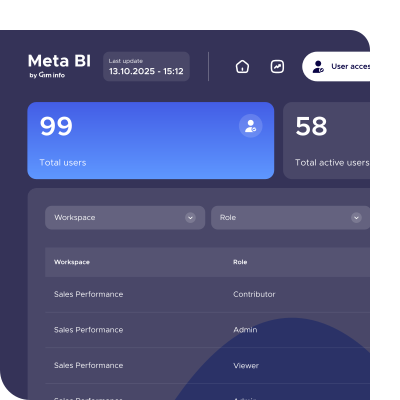
Control Power BI access and visualize your security policies, for complete visibility and risk identification at a glance.

Complete data-lineage

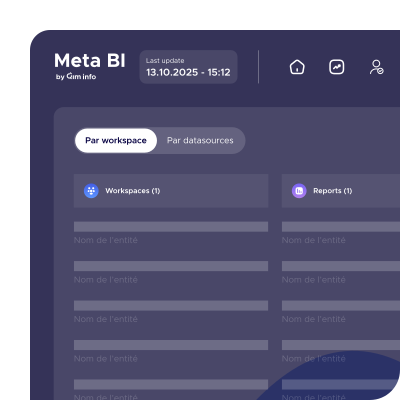
Follow the complete path of your data to strengthen your governance, understand dependencies and measure the impact of each change.

Continuous updating

Use up-to-date data to optimize your analyses, make your reports more reliable and accelerate decision-making.

Advanced inventory

Find any report, semantic model or data source instantly, thanks to advanced filters and comprehensive indexing.

Usage analysis

Identify the most consulted content, track usage trends and optimize your reports according to your users' real needs.

Two simple options to suit your needs

Standard

Deploy your Meta BI interface straight out of the box, with no technical effort.

250CHF

/mois
1-year commitment

Enterprise

Deploy Meta BI in your environment for total control.

Price on request

2-year commitment

Marine Moinard

Product Manager

Why did we create ?

Power BI is a powerful visualization tool, but it remains limited when it comes to governance, supervision and usage control. In response, we have designed Meta BI: an independent tool designed to complement Power BI where it stops.

Together with our teams and backed by Qim info’s 20 years of expertise, we have shaped Meta BI into a simple and effective solution to help every organization keep control of its Power BI environment.

Ready to automate your Power BI governance?

See Meta BI in action with our product manager during a 30-minute demo.

Any questions?

Is a trial version available?

Due to the nature of the product, we do not offer free trials. However, our teams can help you evaluate Meta BI for your specific needs.

No. Access is via a Power BI report, so you can add as many users as you need to your workspace.
Meta BI can be integrated into your Power BI environment in two ways: via user accounts or via a Service Principal. Each method has its own specific features: our team will help you choose the one best suited to your needs.
Meta BI evolves regularly: we provide you with new versions of the PBIX report, which you can deploy in your Power BI environment to take advantage of the latest features.
Meta BI relies exclusively on Microsoft Azure cloud infrastructure to process your data. All access is controlled by your Power BI tenant, and therefore benefits from the same security measures as your Microsoft tenant. Finally, Meta BI does not expose, read or access your company’s data: only the metadata of your Power BI ecosystem is processed (e.g. report names, datasets used or associated access rights).

Powered by Qim info: IT services company in Geneva, Lausanne, Zurich, Basel and Annecy